
 POPULAR DISHES
Every recipe comes with a real video
Never wonder what to cook again
900 recipes from kitchens all over the world, each with a real cooking video, an ingredient list and step-by-step instructions. Search by what's already in your fridge, save what you love, and get a fresh idea every day.
Free forever · No card required · Works right in your browser
Kitchen
Delicious dishes in your kitchen
Dish or ingredient…
All
Breakfast
Lunch
Dinner
POPULAR DISHES
Today's Pick
A randomly chosen tasty dish
900recipes with video
10languages
3ways to sign in
100%free to use
Everything you need to cook well
Built for real kitchens — find a dish, watch how it's made, cook it, save it.
Real video tutorials
Every recipe links to an actual cooking video, so you see the technique instead of guessing from text.
Search by ingredients
Type what you already have. Results are ranked by how many of your ingredients actually match.
Favorites that stay
Save a recipe with one tap. Your list is tied to your account, so it follows you to any device.
Today's Pick
Can't decide? One tap gives you a random dish — filtered to the cuisine you're in the mood for.
One secure account
Email, Google or Telegram — whichever you prefer. Each account gets its own permanent personal ID.
10 languages, light & dark
Switch language or theme in a tap — the whole app follows instantly, including your device preference.
A world of recipes in one app
A taste of what's inside — breakfast to dessert, quick weeknight meals to weekend feasts.
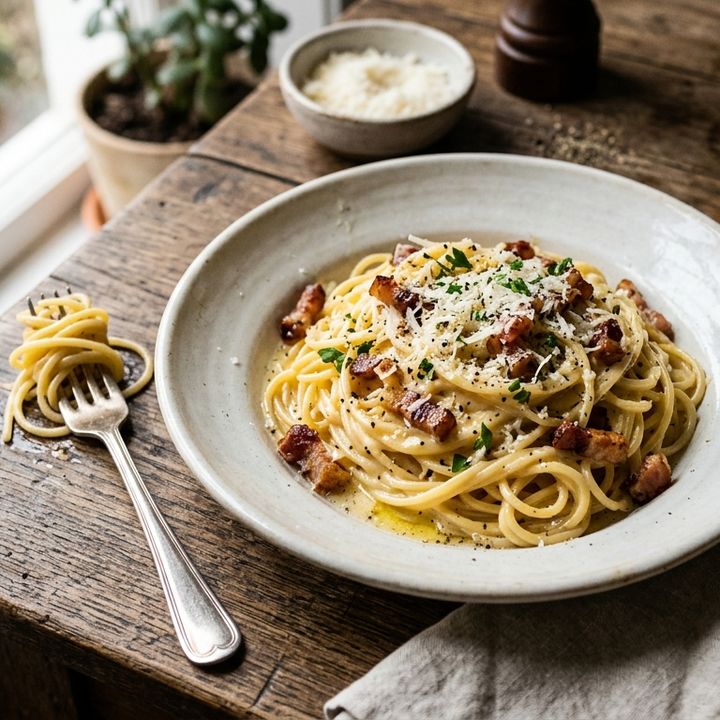
Italian
Pasta Carbonara
25 min · Easy
Rice
Choyxona Palovi
1 hr 20 min · Medium
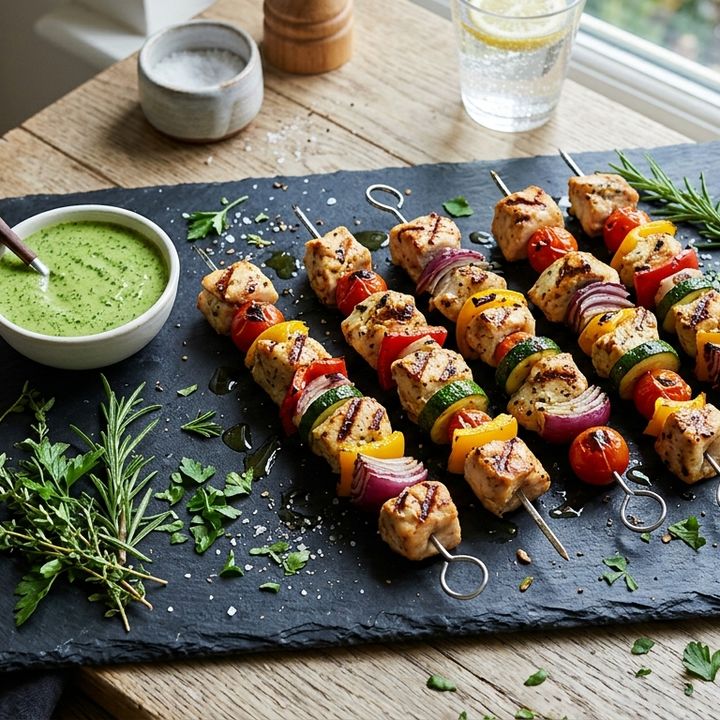
Grill
Veggie Chicken Skewers
40 min · Easy
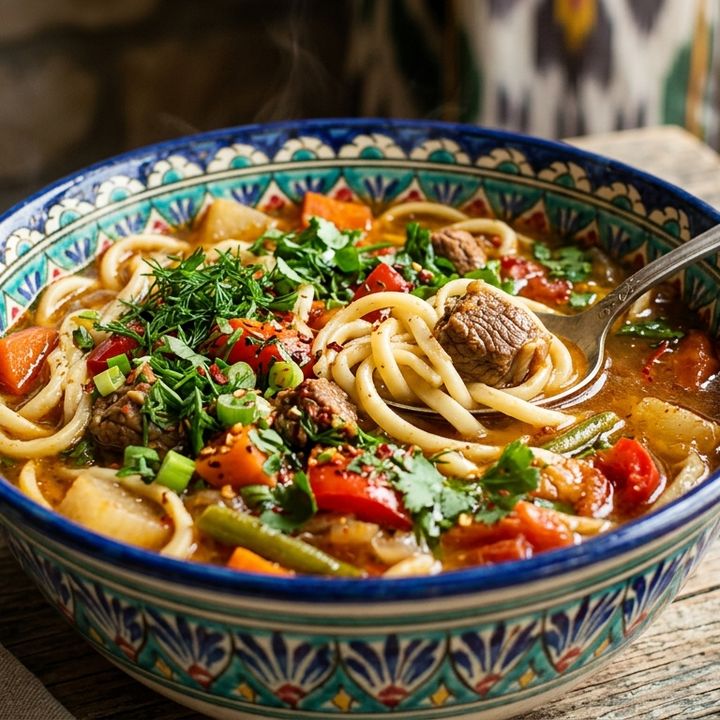
Noodles
Lagman Noodles
1 hr · Medium
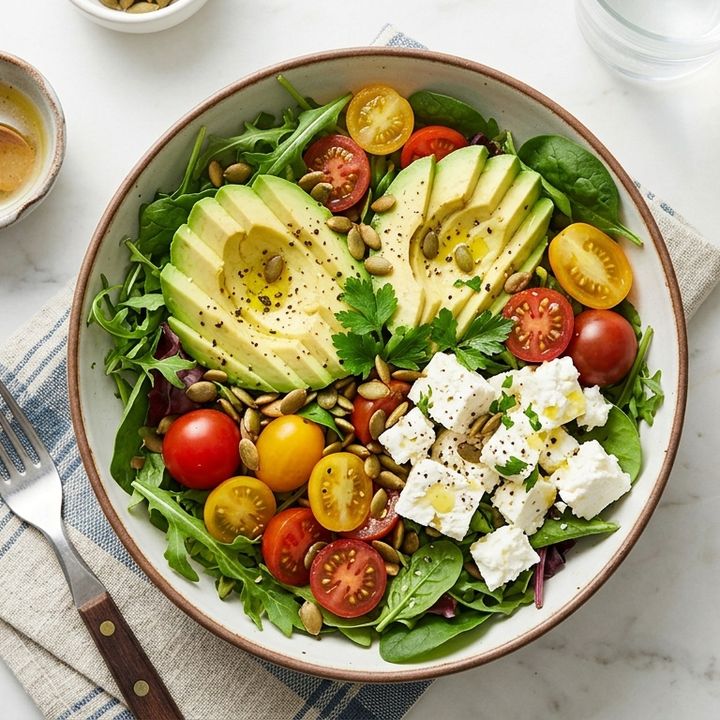
Healthy
Avocado Feta Bowl
15 min · Easy

Breakfast
Berry Pancakes
20 min · Easy

Dessert
Chocolate Berry Cake
55 min · Medium
+ 890 more
Italian, Turkish, Indian, Korean, Brazilian, Spanish, Japanese and more.
Browse allThree steps, about a minute
-
1
Create your account
Email and password, your Google account, or Telegram — pick whichever is fastest for you.
Email Google Telegram -
2
Get your personal ID
Every account gets a permanent ID. Your favorites, ratings and profile are tied to it — on every device.
OSH-A1B2C3D4 -
3
Start cooking
Open the app on your phone or use it right in the browser — same account, same favorites, same place.
Android app Browser
Frequently asked
Is Kitchen free?
Yes. Browsing recipes, watching the videos, saving favorites and creating an account are all free. No card is required.
Do I need an account to use it?
You can browse without one. An account is what lets your favorites, ratings and profile sync between your phone and the browser.
What is the personal ID for?
It's a permanent identifier for your account (for example OSH-A1B2C3D4). It stays the same whether you signed in with email, Google or Telegram, and it's what support uses to find your profile.
Does it work offline?
Ingredients and steps stay readable once a recipe has loaded. The video itself needs an internet connection.
Which languages are supported?
The interface is available in 10 languages — English, Russian, Uzbek, Turkish, Hindi, Portuguese, Spanish, Indonesian, Korean and Italian — and follows your device language by default.
Your next favorite dish is one tap away
Download it on Google Play or use it right in your browser — your account and favorites stay the same on both.